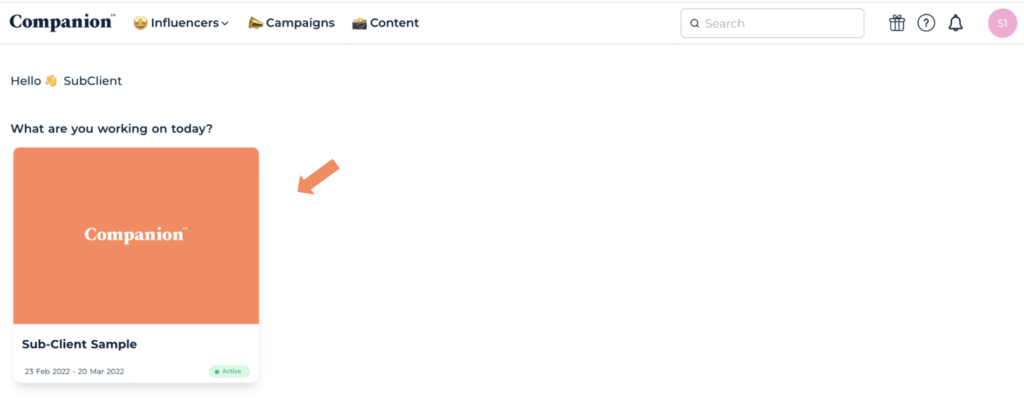
This feature allows users to easily locate current or relevant campaigns by pinning them to the Companion homepage
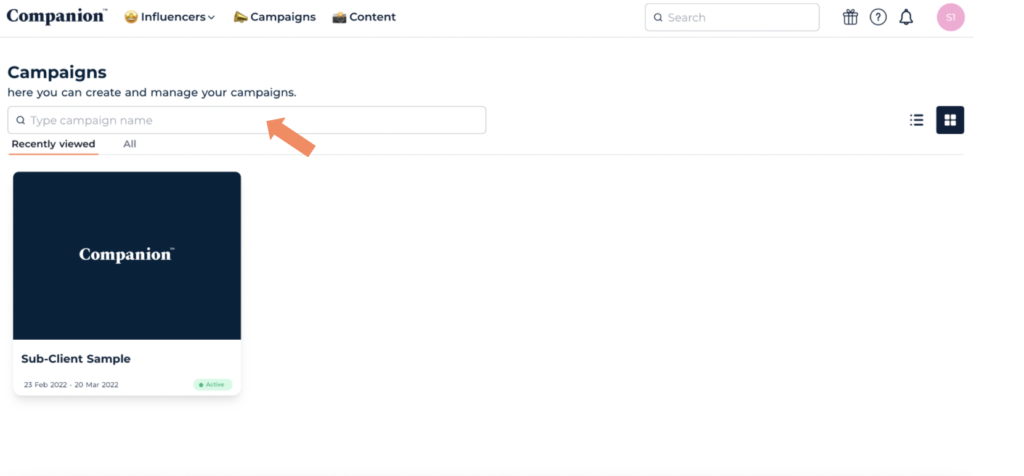
- From your Companion home page open the Campaigns tab.

2. To easily locate a campaign, type the campaign name in the text box marked ‘Type campaign name’ to locate the campaign you would like to bookmark.
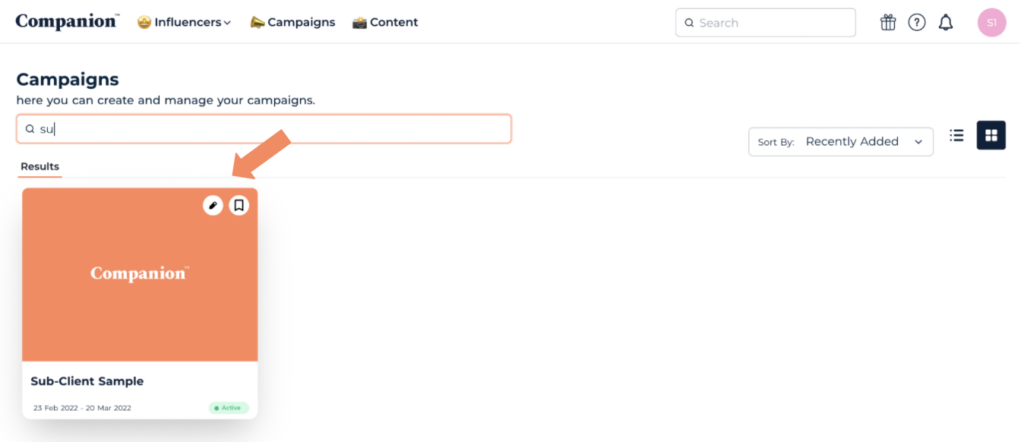
3. Hover the mouse over your chosen campaign and two small icons will appear on the top right of the Campaign image.
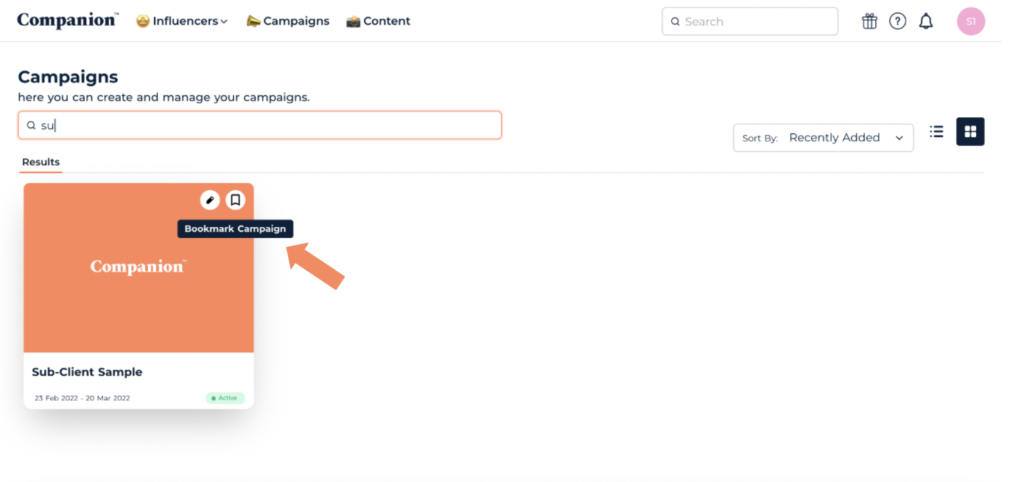
3. Identify the bookmark icon (the one furthest to the right) and select it. This will bookmark the campaign and turn the bookmark icon navy blue.
5. Now the campaign is bookmarked, it will be pinned to your companion homepage and easy to access.
Any recent campaign content will also be featured on the homepage, helping you stay up-to-date on any new activity.