
Companion helps you navigate the influencer selection process, here’s our guide to the feature.
- From your Companion home page open the ‘Campaigns’ tab.

2. Enter the campaign you are working on and the ‘Influencers list’ will be displayed.
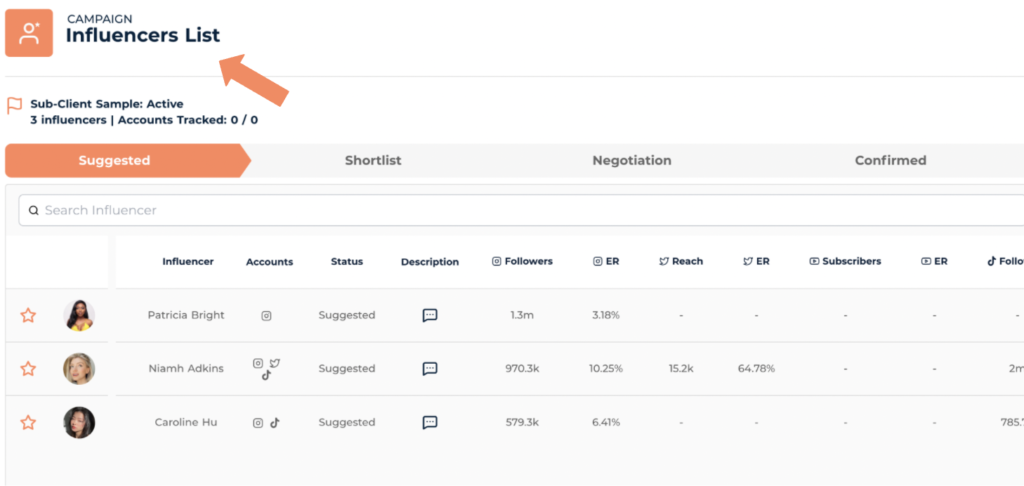
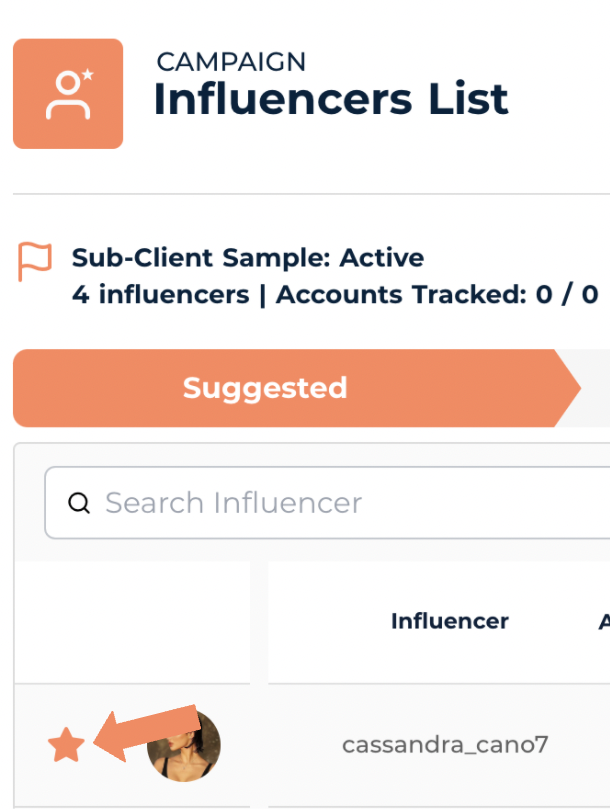
3. The ‘suggested tab’ is the initial influencer list : where recommended influencers are placed for further discussion.

(and any highly recommended influencers will be marked by an orange star)
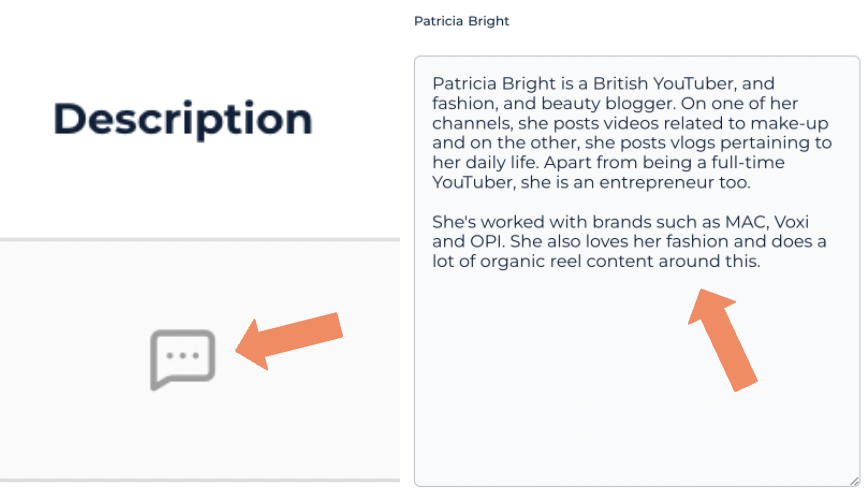
4. A snapshot of the influencers profile will be available within the list providing you with :
A list of channel links

A description of the influencer
and some key stats such as ; follow count, reach and average engagement rate.

5. A ‘Comments’ section is available throughout all stages of the process for the team to offer any opinions and keep everyone in the loop!

6. Following the first round of discussion, influencers are either approved or rejected from the ‘Shortlist’ using the approval icons. (The approval icons can be found at the far right of the list.)
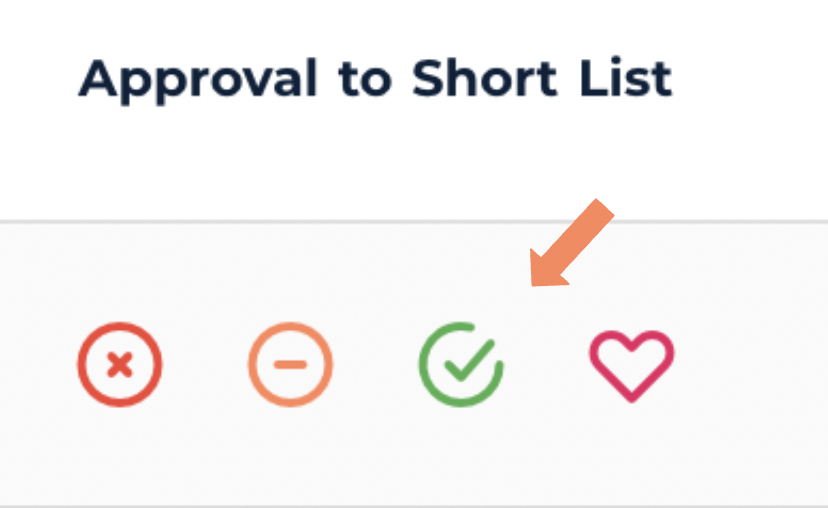
7. By approving an influencer onto the shortlist, you are asking the team to contact them. If the influencer is interested you’ll see them moved to the negotiation tab.

8. In the ‘Negotiation’ tab you’ll be able to keep up-to-date on the live negotiation between the influencer and the team, offering some early insight on campaign deliverables.

9. Once terms have been agreed the influencer will be moved to the confirmed section where their contracted deliverables will be displayed.
