
The approval icons are used to reject or confirm influencers during the shortlisting process. Here is our guide to what they mean.
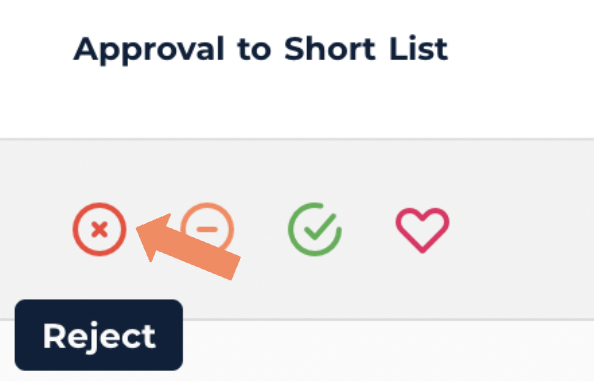
- If you don’t think a suggested influencer is right for the campaign you can reject them from the shortlist using the red cross icon.
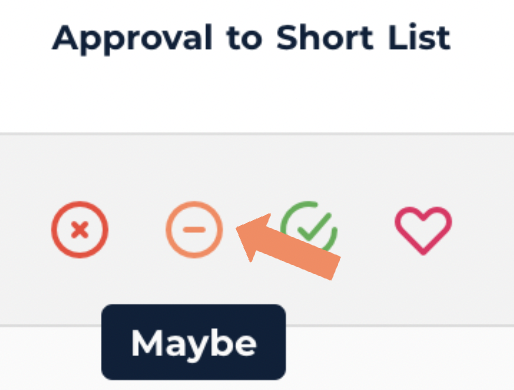
2. If you are unsure about a recommended influencer but want to keep them in mind, you might use the orange ‘Maybe’ icon.
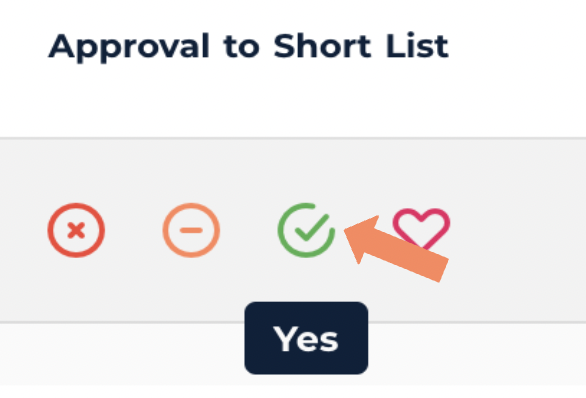
3. When the influencer seems like a good fit for the campaign and you’re happy to proceed, accept them onto the shortlist by selecting the ‘yes’ icon
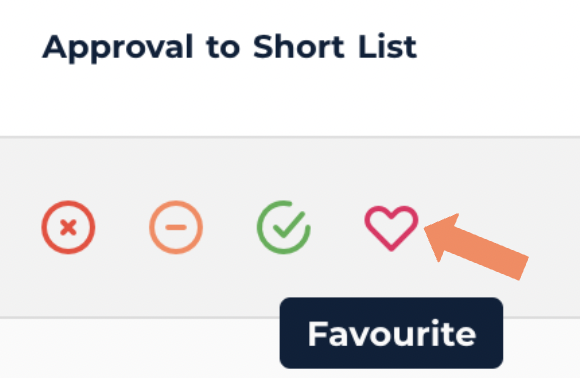
4. For any personal or brand favourites you can use the heart icon to ensure they’re first priority.
5. By approving an influencer onto the shortlist, you are asking the team to contact them. If the influencer is interested you’ll see them moved to the negotiation tab.