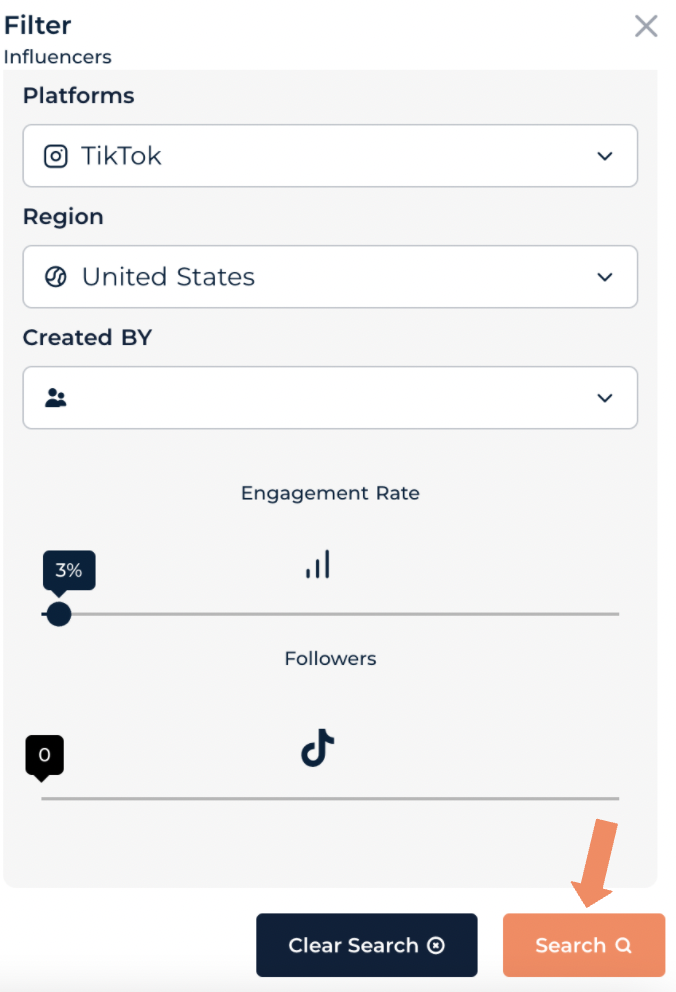
This feature helps users easily search and locate an influencer in the database. Please note that the search engine will only enable you to find influencers who are already in the Database.
- From the Companion home page select the ‘Influencers’ tab and then select ‘My influencers’ to enter the influencer database.

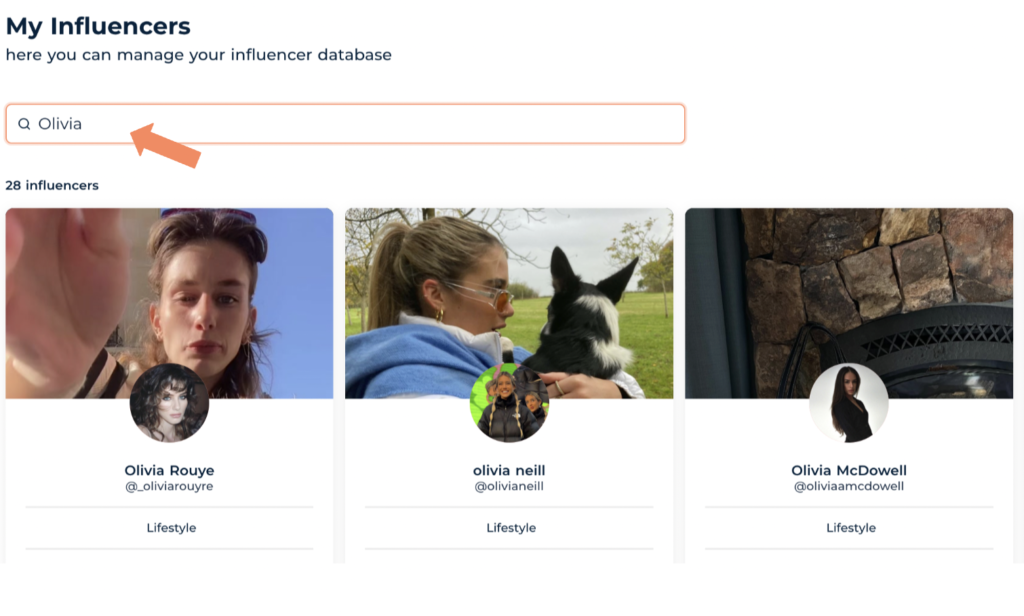
2. At the top of the page there is a search bar marked ‘Type influencer name’.

3. Typing an influencer’s partial or full name into the search bar will bring any matching profiles to the top of the page!
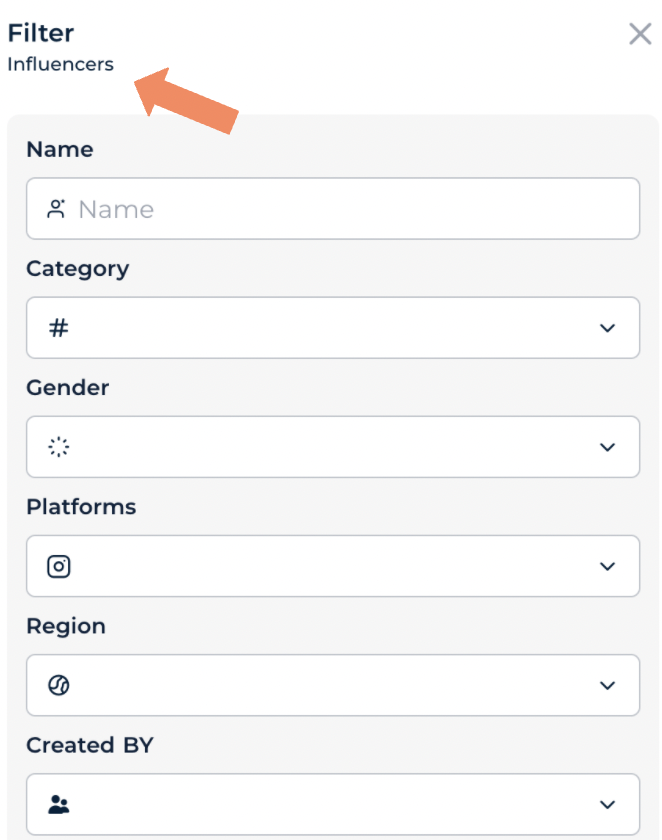
4. Filtering the database is also a great feature to help search for talent. At the top right of the database look for a ‘filters icon’.

5. Selecting the filters icon will present you with a form that allows you to search influencers based on specific criteria such as :
Name
Category
Gender
Platforms
Region
By creator
Average engagement rate
Follow count.
6. Once you have input your options and are ready to search, select the orange ‘Search’ icon at the bottom of the form.