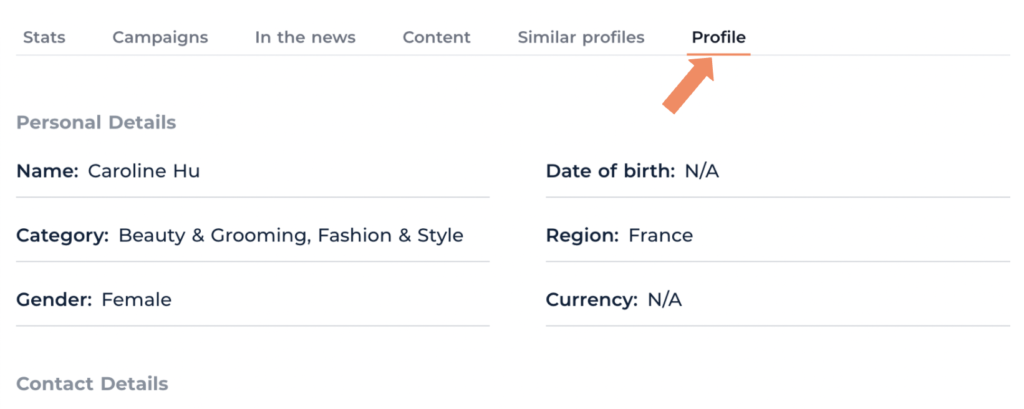
An influencer’s profile is the go-to place to for any information on individual talent.
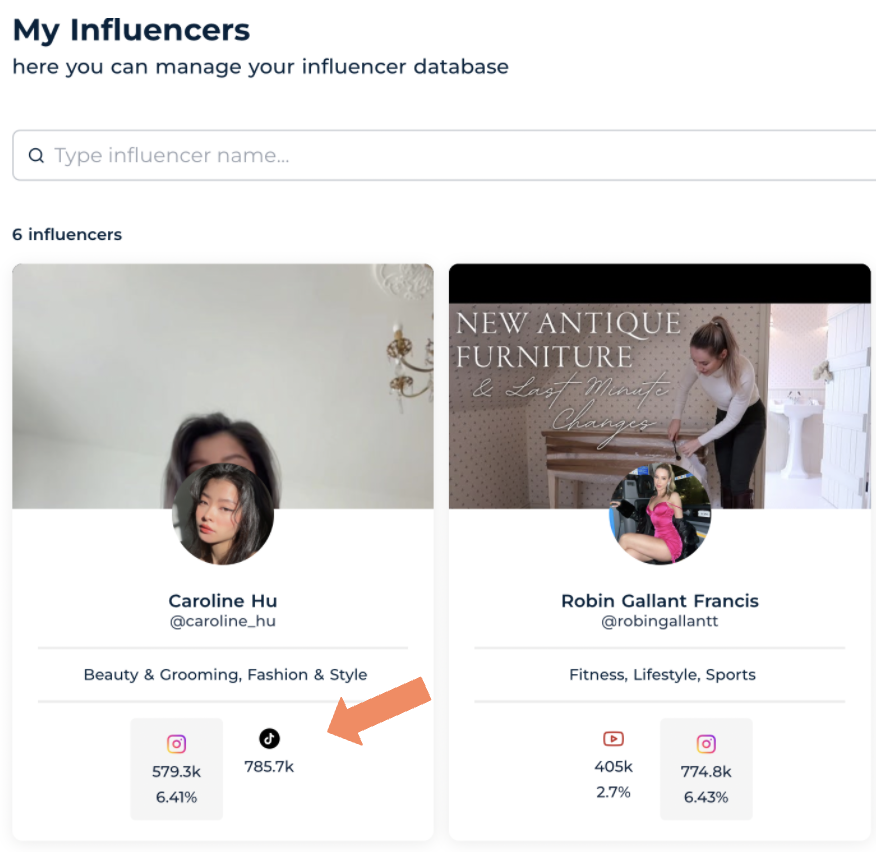
- From the Companion home page select the ‘Influencers’ tab and then select ‘My influencers’ to enter the influencer database.

2. In the database you will be presented with snapshot versions of the influencer profiles. These include key information : e.g. Influencer category, the influencer’s current follow count and the influencer’s average engagement rate.
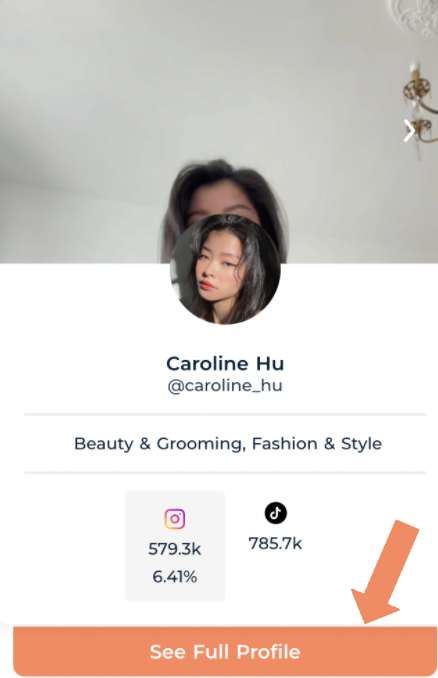
3. To enter an influencer’s full profile, put your cursor over their profile and click the orange ‘see full profile’ tab that appears below.
4. This will take you to the ‘Stats’ tab, providing you with more in-depth influencer statistics.

The stats tab includes :
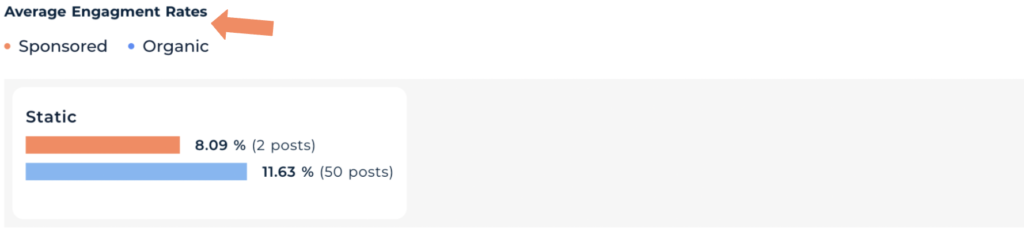
Average Engagement Rate (Sponsored and organic) : This shows an influencer’s average engagement rate on sponsored static posts against the average level of engagement they get on organic static content.
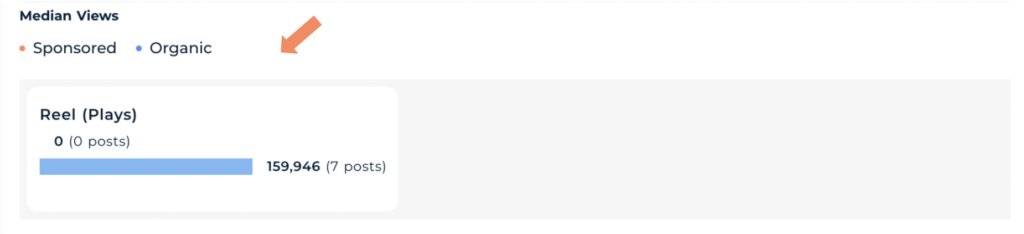
Median video views : This shows the median number of views the influencer receives on sponsored vs organic video content.
(This influencer did not have any sponsored video posts.)
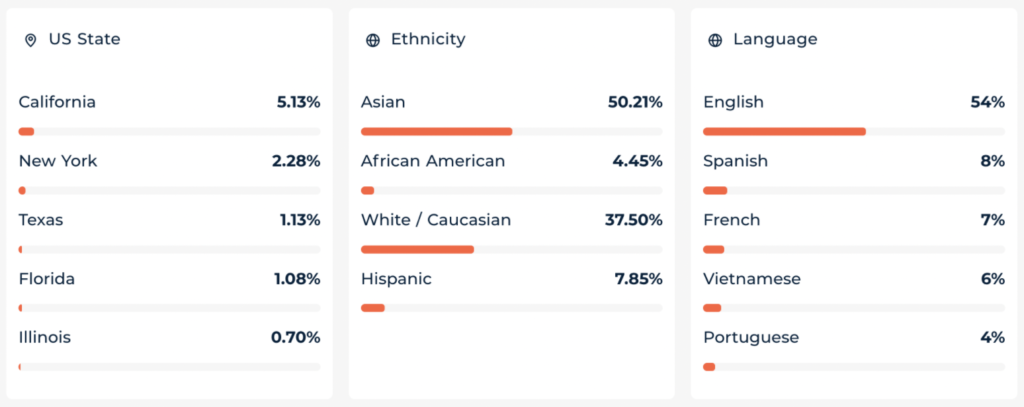
Estimated Demographics : This feature will give you some insight on an influencer’s audience.

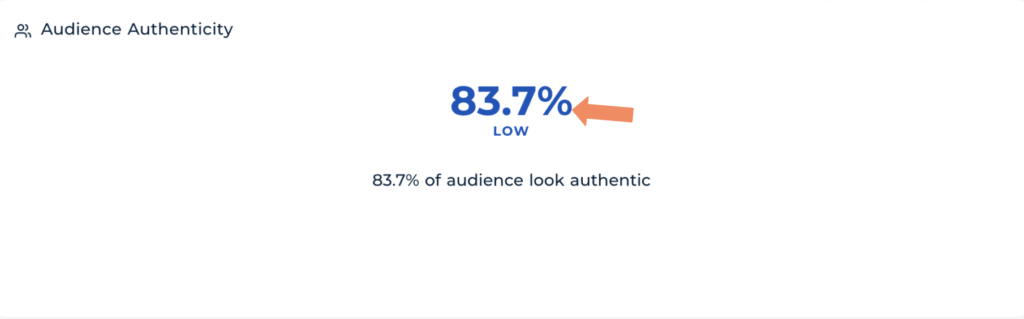
Audience Authenticity : This feature offers some insight into the authenticity of an influencer’s audience.
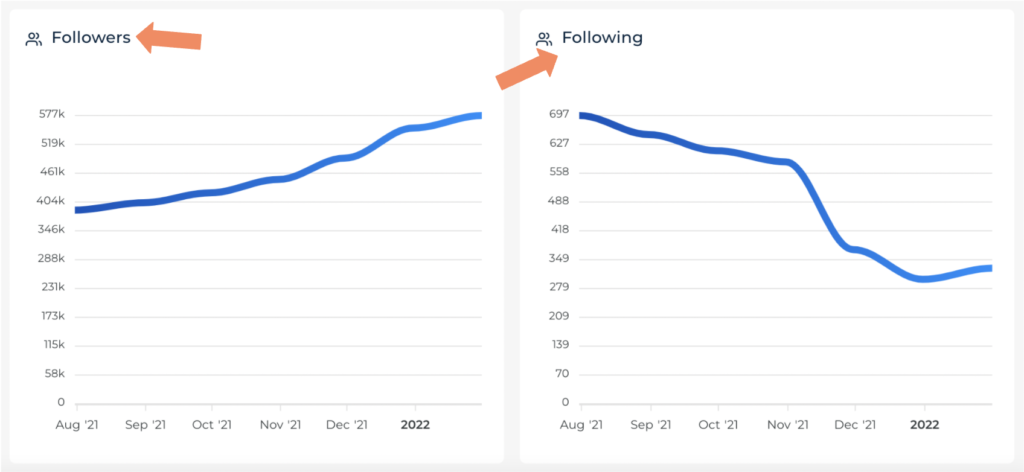
Follower/Following count (Last six months) : A display of the influencer’s follow counts across the last six months.
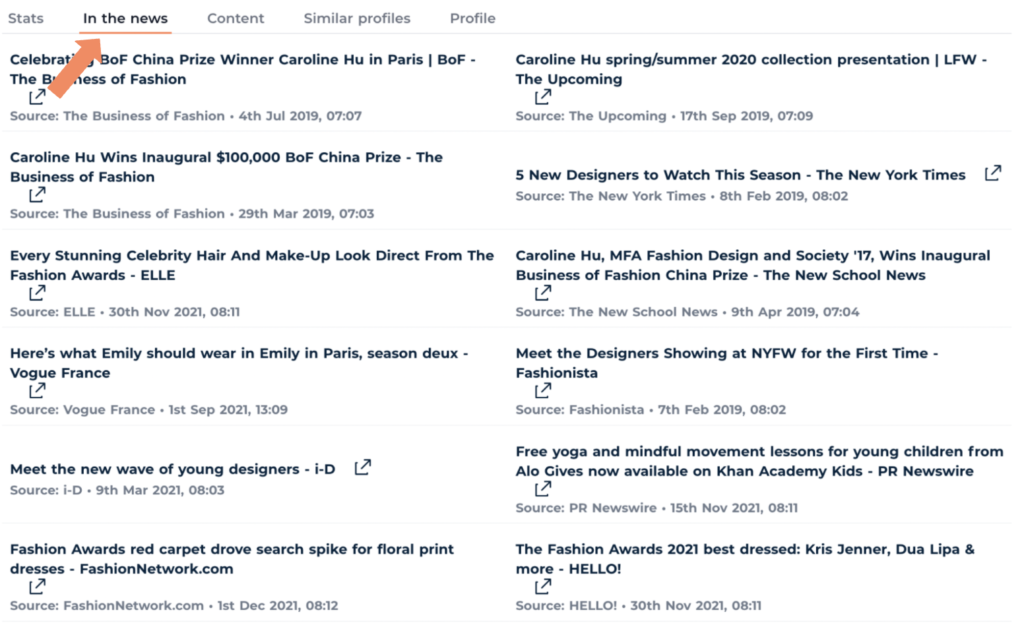
5. Another profile feature is the ‘In the news’ tab, which is there to keep you up to date on any publicity an influencer might be receiving.
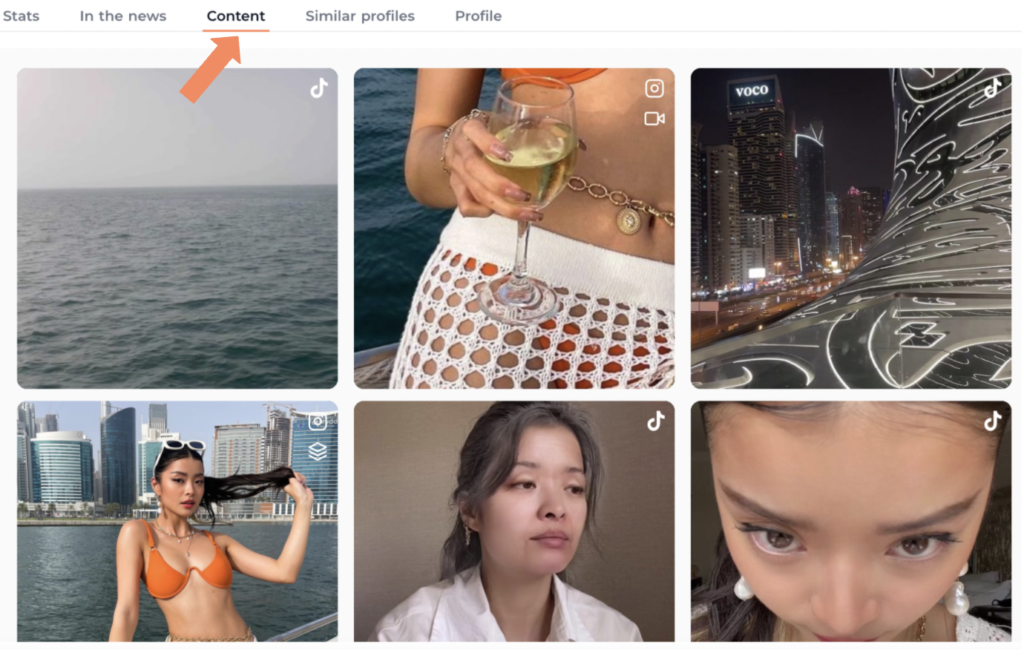
6. The ‘Content’ tab is there to provide a snapshot of an influencer’s current content.
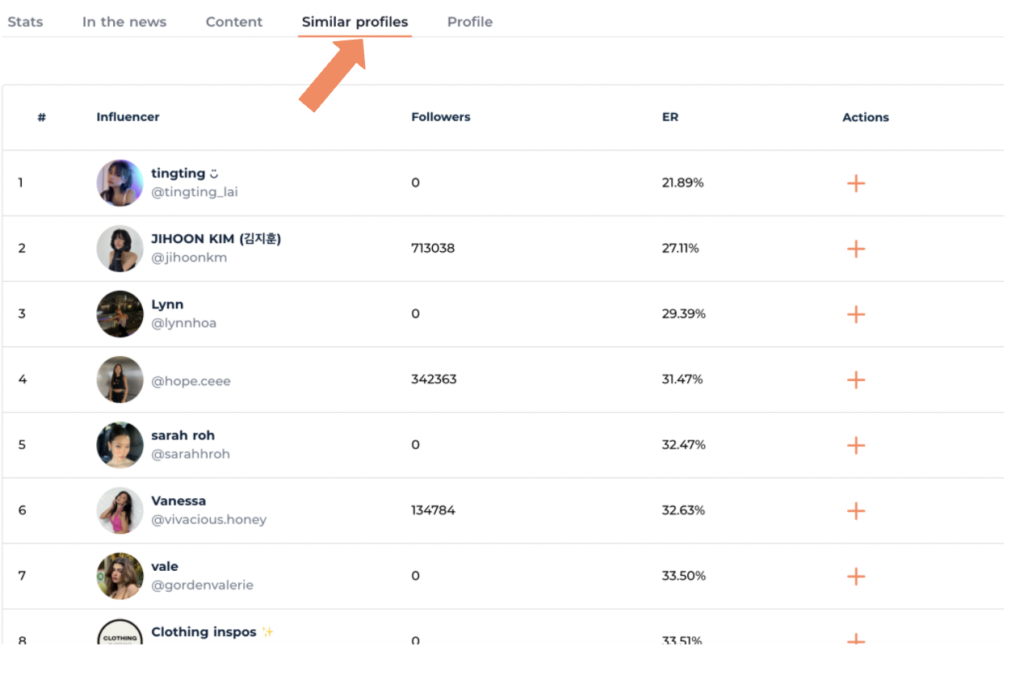
7. The ‘Similar Profiles’ tab offers a list of similar influencer profiles for when you are lacking inspiration!
8. Last but not least , the ‘Profile’ tab contains all of an influencer’s personal details such as their Category, Region, Contact details etc.