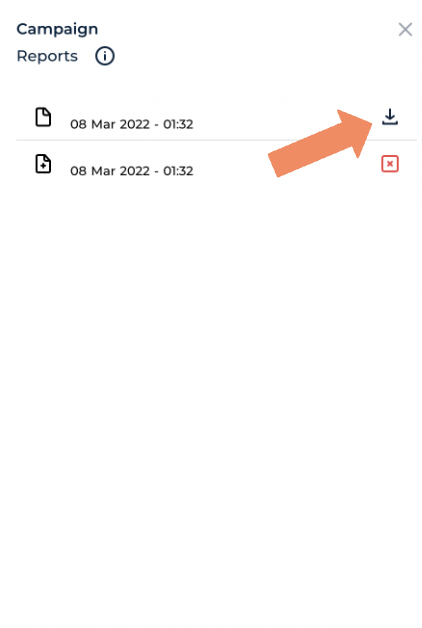
Companion allows you to download campaign metrics onto your personal device as a PDF report; here is our guide to doing that.
- From the Companion home page open the ‘Campaigns’ tab.

2. Open the campaign that you are working on

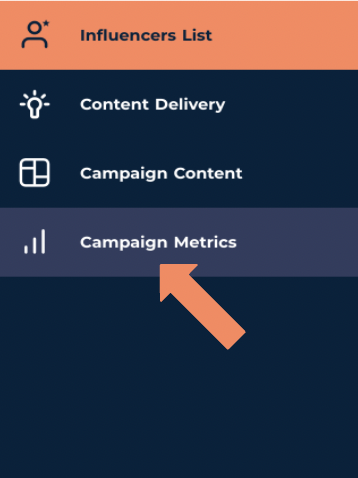
3. Open the ‘Campaign Metrics’ tab from the menu on the left hand side of the screen
4. At the top of the page you will notice an orange icon marked ‘Reports’

5. This will bring up a page that will give you the option to ‘Generate a new report’ select this icon to create a new metric report.

6. You can also download an existing report by clicking the download icon next to your desired report