
Companion’s content delivery feature helps you to navigate the content selection process.
- To find the content delivery tab from your Companion homepage, select the ‘Campaigns’ tab

2. And select the Campaign you’d like to work on

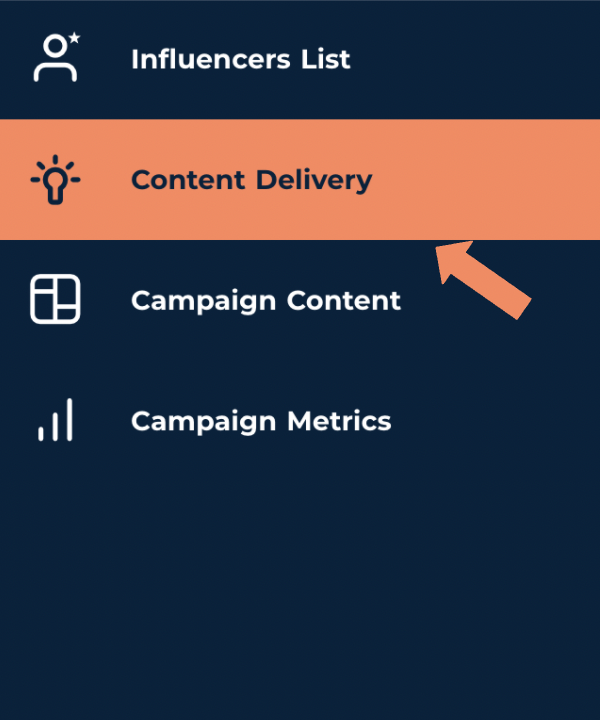
3. From the menu on the left hand side of the screen select the ‘Content Delivery’ tab
4. Once an influencer has been confirmed they are moved to the content delivery ‘List’ where their agreed content set will be displayed
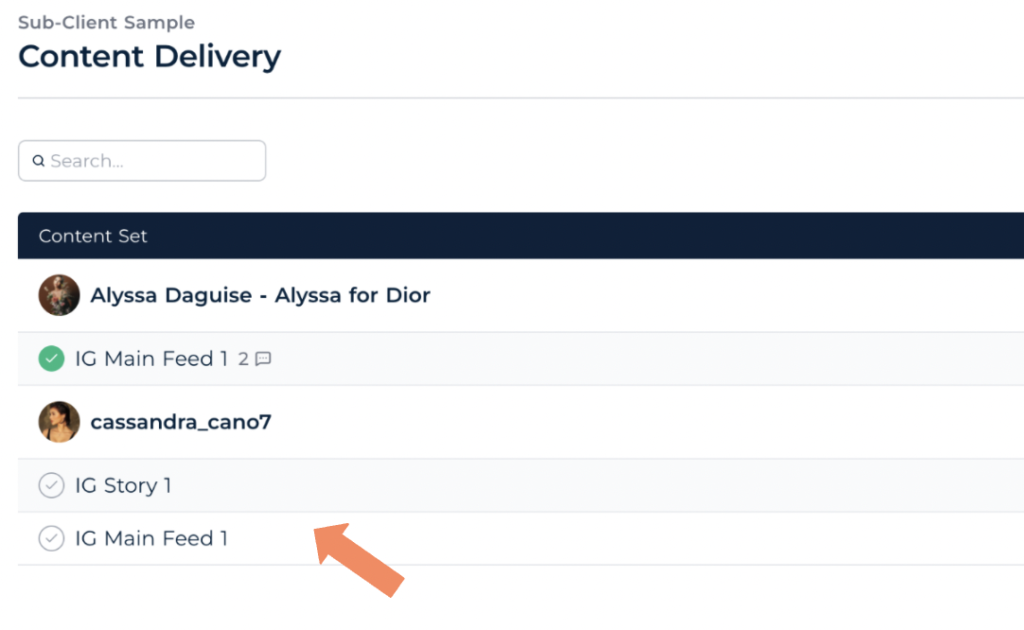
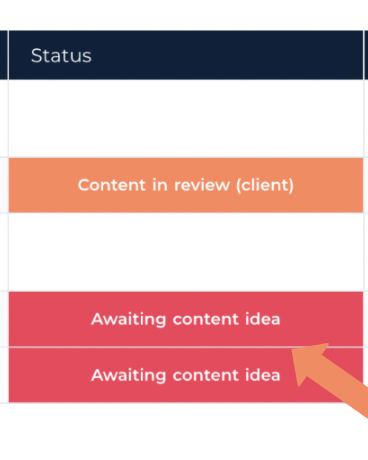
Alongside the content’s status
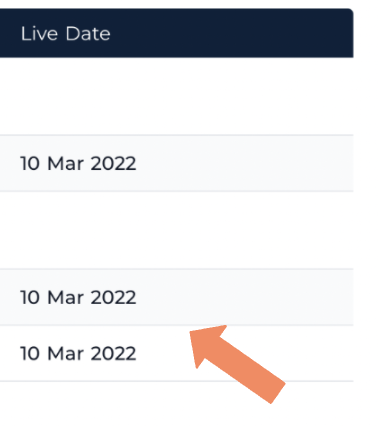
And the date it’s expected to be live
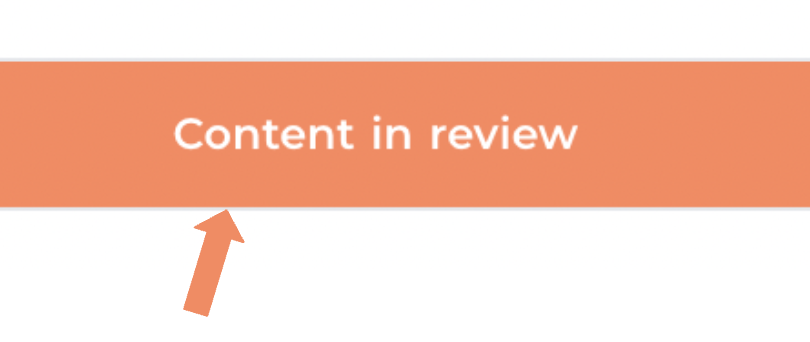
5. Once the influencer has submitted content ideas the account management team will uploaded them onto Companion for your review changing the content status to from ‘awaiting content idea; to ‘content in review’
6. To Review a piece of content, hover your cursor over the content set and an option to ‘see details’ will appear

7. This will allow you to review an initial content idea and a mood board.
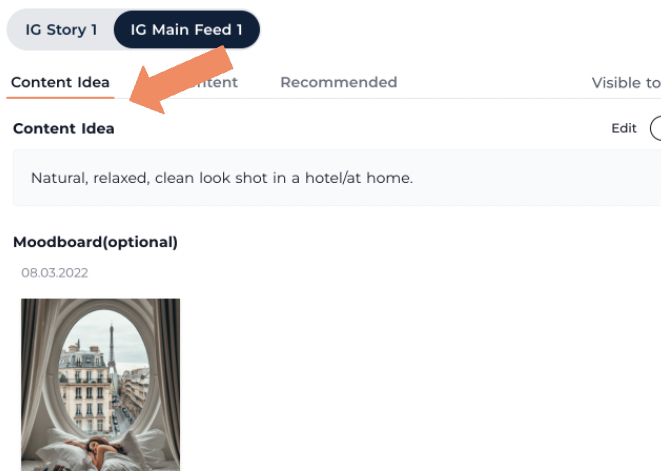
8. If you’re happy with the content idea you can approve it by clicking the white ‘approve’ icon at the top right of the page.

9. If you want to discuss the content or make changes at any point, you’ll notice a comment box on the right half of the page to help you keep in contact with the team!

10. One an initial idea has been approved, the account management team will submit some potential content from the influencer for review. The content’s status will change from ‘Content in review’ to ‘Content in review client’

6. Hover your cursor over a piece of content and select the option to ‘see details’.
This will bring you to a page that displays the proposed content

A caption (where necessary)

7. Any content that comes highly recommended will be featured in the ‘Recommended’ tab

8. In order to approve content, hold your cursor over the desired image and select the white tick icon that approves in the top right corner.

9. One the content has been approved the status of the content set will change from ‘awaiting review’ to ‘ ready to go live’

10. The calendar tab is found at the top of the page and used to keep up-to-speed with when content is predicted to go live.
